

Introduction
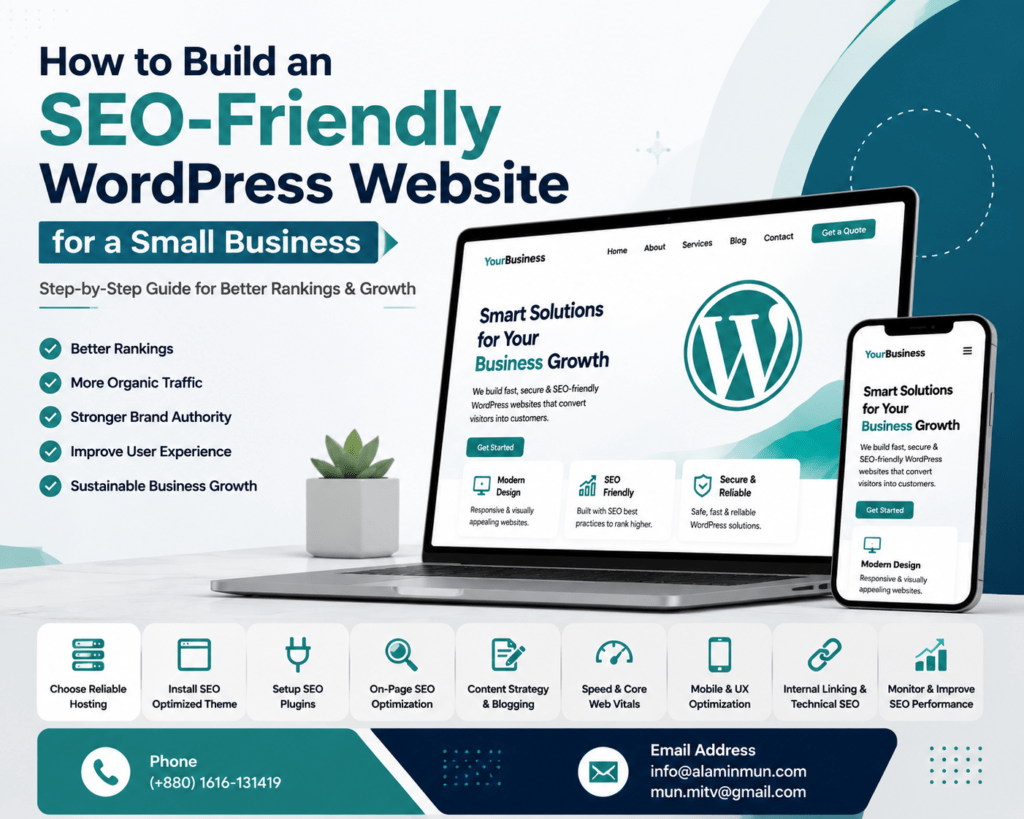
Building a SEO-Friendly WordPress Website is a critical step for small businesses aiming to grow online visibility. In today’s competitive digital landscape, users rely on search engines to discover products and services, making optimization essential.
A properly structured website helps search engines understand your content, improves rankings, and increases conversions. WordPress provides a flexible foundation that supports SEO implementation without technical complexity.
In this guide, you will learn how to build a fully optimized WordPress system for long-term business growth.
Why SEO-Friendly WordPress Website Matters for Small Business
A properly optimized website ensures your business is visible in search results without depending heavily on paid ads.
Key benefits include:
- Higher search engine rankings
- Increased organic traffic
- Better user engagement
- Strong brand authority
- Sustainable lead generation
Search engines prefer websites that are fast, structured, and optimized using WordPress SEO optimization principles.
Step 1: Choose Reliable Hosting for SEO Performance
Hosting plays a major role in website performance and ranking potential.
Choose hosting that provides:
- 99.9% uptime reliability
- Fast server response time
- SSL security (HTTPS)
- Built-in caching support
A strong hosting setup improves load speed, which directly affects ranking performance and user experience.
Step 2: Install a Lightweight SEO Optimized Theme
A lightweight theme improves performance and enhances overall SEO structure.
Best practices:
- Use fast and minimal themes like Astra or GeneratePress
- Ensure full mobile responsiveness
- Avoid heavy animations or unnecessary scripts
- Maintain clean UI/UX structure
Mobile-first design is essential for search visibility and user retention.
Step 3: SEO Plugin Setup for WordPress
Proper plugin configuration is essential for managing optimization effectively.
Recommended tools:
- Rank Math SEO
- Yoast SEO
- All-in-One SEO Pack
These tools help manage:
- Meta tags optimization
- XML sitemap generation
- Schema markup integration
- On-page SEO improvements
A correct setup ensures your website follows modern SEO standards.
Step 4: On-Page SEO WordPress Optimization
On-page optimization is the core of ranking success.
Key elements:
- Optimized title structure
- Proper H1, H2, H3 hierarchy
- Internal linking strategy
- Image alt optimization
- Meta description refinement
Each page should be structured for both users and search engines.
Step 5: Content Strategy for Small Business SEO
Content is the driving force behind organic growth.
A strong strategy includes:
- Keyword-focused blog creation
- Natural LSI keyword usage
- Problem-solving content
- Regular content updates
Blogging is one of the most effective methods for building authority and increasing traffic.
Step 6: Improve Website Speed and Core Web Vitals
Website speed directly impacts SEO performance and user experience.
Optimization techniques:
- Use caching plugins like LiteSpeed or WP Rocket
- Compress images using WebP format
- Minimize CSS and JavaScript files
- Use CDN for global speed improvement
Faster websites improve engagement and reduce bounce rates.
Step 7: Mobile Optimization and User Experience
Mobile optimization is essential for ranking success.
Focus areas:
- Responsive design
- Fast mobile loading speed
- Easy navigation structure
- Clean typography
Google prioritizes mobile usability in ranking algorithms.
Step 8: Technical SEO Setup for WordPress
Technical SEO ensures search engines can properly crawl your site.
Important tasks:
- Submit XML sitemap to Google Search Console
- Fix broken links
- Enable HTTPS security
- Optimize robots.txt file
- Add schema markup
This improves indexing efficiency and visibility.
Step 9: Internal Linking Structure
Internal linking improves authority flow across your website.
Best practices:
- Link related articles naturally
- Use descriptive anchor text
- Avoid orphan pages
- Maintain structured hierarchy
This strengthens SEO signals across all pages.
Step 10: Monitor and Improve SEO Performance
SEO requires continuous tracking and improvement.
Use tools like:
- Google Analytics
- Google Search Console
- Ahrefs or SEMrush
Track:
- Keyword performance
- Organic traffic growth
- Bounce rate
- Conversion metrics
Conclusion
Building a high-performing WordPress site requires strategy, consistency, and proper optimization. From hosting to content structure, every element contributes to visibility and ranking performance.
A well-optimized website becomes a long-term business asset that generates consistent traffic and leads.
Get a free consultation.