

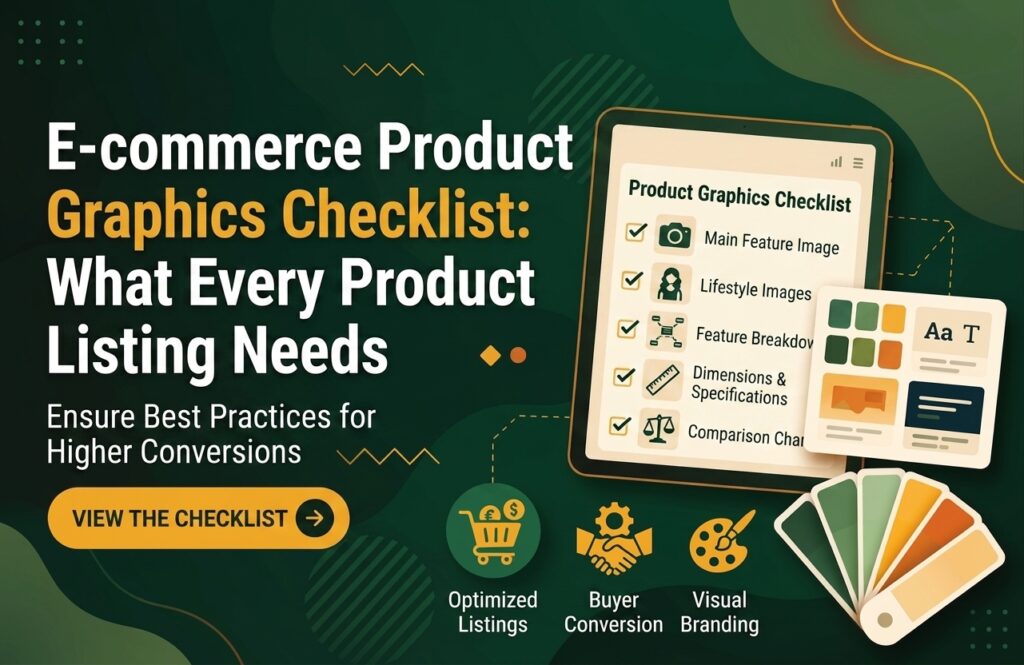
When customers shop online, they cannot physically touch, hold, or examine a product before buying it. Your e-commerce product graphics need to bridge that gap by showing what the product looks like, explaining its features, and communicating why it is worth buying.
A strong product listing is more than a single product photo. It may include multiple product images, feature graphics, infographics, comparison charts, dimensions, lifestyle images, and other visual elements.
This e-commerce product graphics checklist will help you identify the visuals your product listing may need to look professional and communicate effectively.
What Are E-commerce Product Graphics?
E-commerce product graphics are visual assets created to present and explain products on online stores and marketplaces.
They can include:
- Product photos
- Feature graphics
- Product infographics
- Size and dimension charts
- Comparison graphics
- Lifestyle images
- Product-benefit graphics
- Instructional visuals
- Promotional banners
- Icons and callouts
The goal is not simply to make a product page attractive. Effective graphics should help customers understand the product quickly and make a more confident purchasing decision.
Why Do Product Graphics Matter?
Online shoppers often scan a product page before reading every word. Visual content can communicate important information quickly.
Professional product listing images can help you:
- Present your product clearly
- Explain complicated features
- Highlight important benefits
- Establish brand credibility
- Reduce confusion about size or usage
- Create a consistent store appearance
- Make product pages more engaging
For competitive e-commerce stores, better visual communication can be an important part of the overall customer experience.
E-commerce Product Graphics Checklist
Use the following checklist when preparing graphics for a new product listing.
1. High-Quality Main Product Image
Your primary image is usually the first product visual shoppers see.
It should clearly show the actual product without unnecessary distractions. Make sure the product is sharp, properly positioned, and large enough to understand at a glance.
Before publishing, check:
- Is the product clearly visible?
- Is the image high resolution?
- Is the product centered appropriately?
- Does the image represent the actual product?
- Does it follow the marketplace’s image requirements?
Your main image should communicate what the customer is buying immediately.
2. Clean Background
A clean background helps shoppers focus on the product.
Depending on the marketplace and product category, you may use a white or neutral background for primary images and more creative backgrounds for secondary graphics.
Avoid backgrounds that compete with the product.
3. Multiple Product Angles
One image rarely shows everything.
Use additional images to show different sides, details, components, or important features of the product.
For example, a backpack listing could show:
- Front view
- Back view
- Side view
- Interior compartments
- Zippers and pockets
- Product being used
This gives shoppers a better understanding of what they are purchasing.
4. Product Feature Graphic
A product feature graphic highlights important characteristics using text, icons, arrows, or callouts.
For example:
Stainless Steel Bottle
✓ 24-hour insulation
✓ Leak-resistant lid
✓ BPA-free material
✓ 750 ml capacity
Instead of forcing customers to search through a long description, you can communicate key information visually.
5. Benefits Infographic
Features explain what a product has. Benefits explain why customers should care.
For example:
Feature: Double-wall insulation
Benefit: Keeps drinks cold for hours.
A good product infographic connects important features with practical customer benefits.
6. Size and Dimensions Graphic
Size can be difficult to understand from a product description alone.
A dimension graphic can visually show:
- Height
- Width
- Length
- Weight
- Capacity
- Package dimensions
You can also place the product next to a familiar object or person when appropriate to provide additional context.
7. Product Comparison Graphic
If you sell several similar products, comparison graphics can make the differences easier to understand.
For example:
| Feature | Basic | Pro | Premium |
| Capacity | 500 ml | 750 ml | 1 L |
| Insulation | ✓ | ✓ | ✓ |
| Carry Handle | — | ✓ | ✓ |
| Warranty | 1 year | 2 years | 3 years |
A visually designed comparison chart can help shoppers choose the product that best matches their needs.
8. Lifestyle Image
A lifestyle graphic shows the product being used in a realistic situation.
For example:
- A coffee maker in a kitchen
- A backpack being used during travel
- Running shoes being worn outdoors
- Skincare products displayed in a bathroom
Lifestyle visuals help shoppers imagine how the product fits into their everyday lives.
9. How-to-Use Graphic
Some products require explanation.
A simple instructional graphic can show customers how to:
- Open the product.
- Set it up.
- Use the main function.
- Clean or maintain it.
This is particularly useful for products with multiple steps or components.
10. Product Material or Quality Graphic
If the material is an important selling point, create a graphic that highlights it.
Examples include:
- Organic cotton
- Stainless steel
- Genuine leather
- Recycled materials
- BPA-free plastic
- Waterproof fabric
You can combine a close-up product image with short explanatory text.
11. Icons and Callouts
Icons can make product information easier to scan.
For example:
- Fast Shipping
- Easy Returns
- Waterproof
- Long Battery Life
Use icons consistently and avoid filling the image with too many visual elements.
12. Brand-Consistent Design
Every product graphic should feel like it belongs to the same brand.
Keep your:
- Colors
- Fonts
- Icon style
- Layout
- Photography style
- Graphic elements
consistent across your store.
Brand consistency can make an e-commerce business look more professional and recognizable.
Common E-commerce Product Graphic Mistakes
Even attractive graphics can hurt a product listing if they communicate information poorly.
Avoid these common mistakes:
Too Much Text
Customers should not need to read a paragraph inside an image.
Keep copy short and focus on the most important information.
Low-Quality Images
Pixelated or blurry visuals can make the product appear cheap or unreliable.
Always use appropriately sized, high-quality images.
Inconsistent Branding
Using different fonts, colors, and layouts for every product can make your store look unprofessional.
Create a visual template that can be reused.
Misleading Graphics
Never exaggerate product capabilities or show something the customer will not actually receive.
Your graphics should accurately represent the product.
Poor Mobile Design
Many customers browse online stores using smartphones.
Make sure text, icons, and important details remain readable on smaller screens.
How to Create Better Product Graphics
A useful process is:
Product research → Identify key benefits → Plan visuals → Design → Review → Optimize
Start by understanding the product and target customer.
Then identify the questions customers are likely to ask.
For example:
- How big is it?
- What is it made from?
- How does it work?
- What makes it different?
- What comes in the package?
- Who is it designed for?
Your graphics should answer these questions visually.
Final E-commerce Product Graphics Checklist
Before publishing a product listing, ask:
- ☐ Is the main product image clear?
- ☐ Is the product shown from useful angles?
- ☐ Are the most important features highlighted?
- ☐ Are the customer benefits explained?
- ☐ Are dimensions clearly presented?
- ☐ Is there a comparison graphic where useful?
- ☐ Is the product shown in context?
- ☐ Are instructions needed?
- ☐ Is the branding consistent?
- ☐ Is the text readable on mobile?
- ☐ Are the graphics accurate?
- ☐ Do all visuals look professionally designed?
Conclusion
Effective e-commerce product graphics do more than make an online store look attractive. They help customers understand products, identify important benefits, compare options, and make purchasing decisions with greater confidence.
Whether you’re selling on Amazon, Shopify, Etsy, eBay, or your own online store, creating a structured set of product visuals can make your listings clearer and more professional.
If your current product listings rely on basic photos alone, consider adding feature graphics, infographics, comparison charts, lifestyle visuals, and dimension graphics where they genuinely help customers understand the product.