

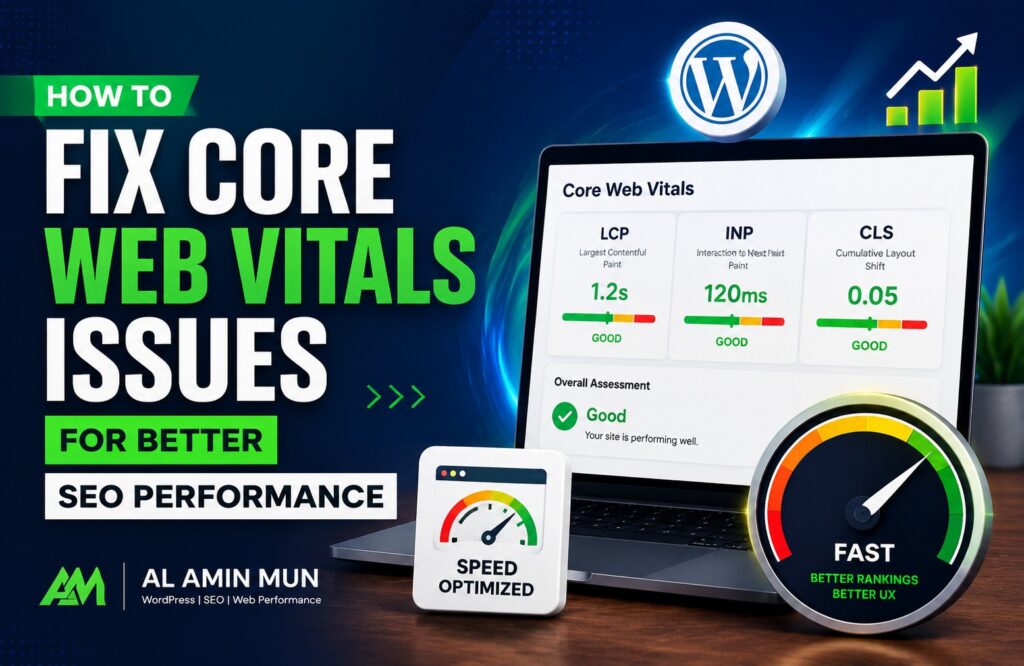
Core Web Vitals are an essential part of Google’s ranking system. They measure how quickly your website loads, how responsive it is to user interactions, and how stable the layout remains while loading.
A website with poor Core Web Vitals can experience lower search rankings, higher bounce rates, and reduced user satisfaction. Improving these metrics helps create a faster and smoother browsing experience while supporting your overall SEO strategy.
What Are Core Web Vitals
Core Web Vitals consist of three important performance metrics:
- Largest Contentful Paint (LCP): Measures how long it takes for the largest visible content element to load. Google recommends keeping LCP under 2.5 seconds.
- Interaction to Next Paint (INP): Measures how quickly a webpage responds to user interactions such as clicks or taps. Lower response times provide a better user experience.
- Cumulative Layout Shift (CLS): Measures unexpected movement of page elements during loading. A CLS score below 0.1 is considered good.
These metrics focus on real user experience rather than only technical speed tests.
How to Fix Core Web Vitals Issues
Check Your Website Performance
Before making improvements, analyze your website using Google PageSpeed Insights or Google Search Console. These tools identify slow pages, layout shift problems, and interaction delays. Reviewing the reports helps you prioritize the most critical issues first.
Optimize Images
Large image files are one of the most common causes of poor Core Web Vitals. Compress images without reducing quality and use modern formats such as WebP whenever possible. Resize images according to their display size and enable lazy loading so images load only when visitors scroll to them.
Improve Server Response Time
A slow server increases loading time for every page. Choose reliable hosting with fast response times and keep your website software updated. Caching solutions can also reduce the time needed to generate pages for visitors.
Minimize CSS and JavaScript
Large CSS and JavaScript files delay page rendering. Remove unused code, minify files, and combine resources where appropriate.
Loading non-essential JavaScript after the main content improves both loading speed and responsiveness.
Enable Browser Caching
Browser caching stores website files on visitors’ devices. When users return to your site, their browsers can load stored resources instead of downloading everything again. This significantly improves loading speed and enhances user experience.
Reduce Layout Shifts
Unexpected layout changes frustrate users. Always specify width and height for images and videos to reserve space before they load. Avoid inserting advertisements or banners above existing content without allocating proper space.
Use a Content Delivery Network (CDN)
A CDN stores copies of your website across multiple global servers. Visitors receive content from the nearest server, reducing latency and
improving page speed regardless of their location.
Optimize Fonts
Custom fonts can slow down rendering. Use only the fonts you need, preload important font files, and avoid loading multiple font families unless necessary. Faster font loading improves visual stability.
Reduce Third-Party Scripts
External scripts such as chat widgets, analytics tools, and advertising platforms can negatively affect Core Web Vitals. Remove unnecessary scripts and delay non-essential resources until after the main page content loads.
Improve Mobile Performance
Most users browse websites on mobile devices. Test your pages on smartphones and tablets to ensure fast loading, responsive interactions, and stable layouts. Mobile optimization directly impacts both user experience and SEO performance.
Monitor Performance Regularly
Website performance changes over time as new plugins, themes, or content are added. Regularly monitor Core Web Vitals using Google Search Console and PageSpeed Insights to identify new issues before they affect rankings.
Conclusion
Fixing Core Web Vitals issues is one of the most effective ways to improve technical SEO and provide a better user experience. By optimizing images, reducing unnecessary code, improving server performance, enabling caching, and monitoring your website regularly, you can achieve faster loading speeds and stronger search engine visibility.
Consistent optimization ensures your website remains competitive and delivers an excellent experience for every visitor.