

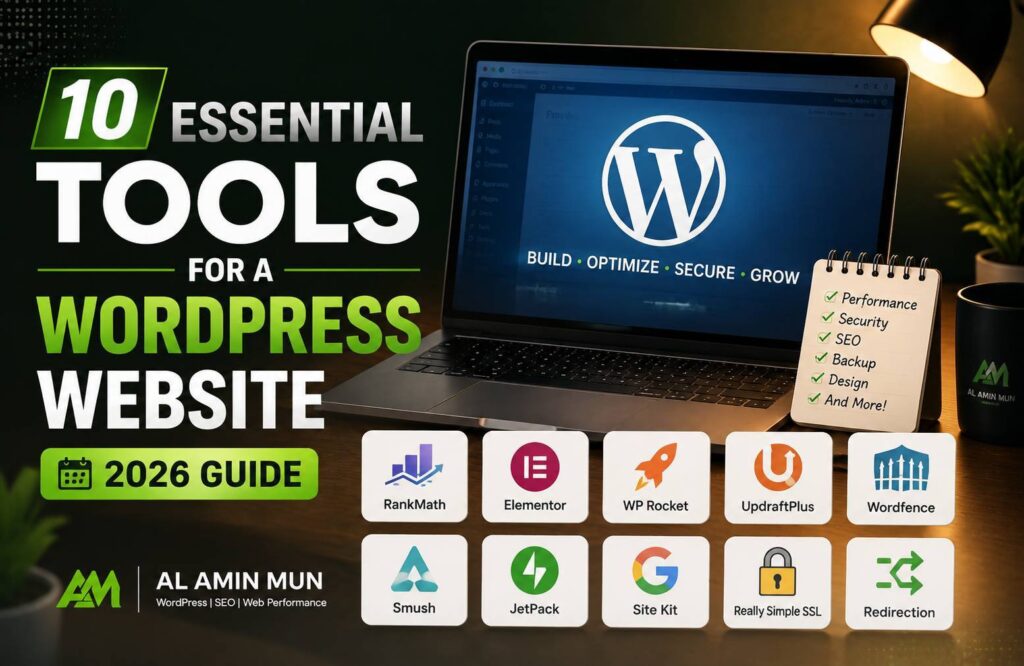
A successful WordPress website requires essential tools for a WordPress website, which is more than just a good design and quality content. To achieve better rankings, faster loading speed, improved security, and a smooth user experience, website owners need the right tools.
Whether you run a business website, blog, portfolio, or online store, using the right WordPress tools can help you manage your website efficiently and improve overall performance.
In this guide, we will explore the 10 essential tools for a WordPress website in 2026 that every website owner should consider.
Essential Tools for a WordPress Website
1. Google Search Console – Monitor Search Performance
Google Search Console is one of the most important tools for every website owner. It helps you understand how your website performs on Google Search.
With Google Search Console, you can:
- Monitor website rankings
- Check indexing issues
- Submit XML sitemaps
- Find search keywords
- Identify technical SEO problems
This tool helps you improve your website visibility and fix issues that may affect your rankings.
2. Google Analytics – Understand Website Visitors
Understanding user behavior is important for growing a website. Google Analytics provides valuable insights about your visitors.
You can analyze:
- Number of visitors
- Traffic sources
- User behavior
- Conversion performance
- Popular pages
By analyzing this data, you can make better decisions to improve your website strategy.
3. Rank Math SEO – Improve Search Rankings
SEO is essential for getting organic traffic from search engines. Rank Math SEO is a powerful WordPress SEO plugin that helps optimize your website.
Key features include:
- Meta title and description optimization
- Schema markup
- XML sitemap creation
- Keyword tracking
- SEO analysis
Using an SEO tool helps search engines understand your content and improves your chances of ranking higher.
4. WP Rocket – Optimize Website Speed
Website speed plays a major role in user experience and SEO. Slow websites can increase bounce rates and reduce conversions.
WP Rocket helps improve performance through:
- Website caching
- File optimization
- Lazy loading
- Database optimization
- Performance improvements
A faster website provides a better experience for visitors and can improve Core Web Vitals.
5. Wordfence Security – Protect Your Website
Website security is essential because WordPress websites are common targets for cyber attacks.
Wordfence helps protect your website with:
- Malware scanning
- Firewall protection
- Login security
- Real-time threat monitoring
A secure website protects your business data and builds trust with visitors.
6. Elementor – Create Professional Website Designs
Elementor is a popular WordPress page builder that allows users to create attractive websites without advanced coding knowledge.
With Elementor, you can:
- Design custom pages
- Create landing pages
- Build responsive layouts
- Customize website sections
It is useful for businesses that want a professional-looking website with flexible design options.
7. GTmetrix – Test Website Performance
Website performance testing helps identify problems that slow down your website.
GTmetrix provides information about:
- Page loading speed
- Performance issues
- Large files
- Optimization opportunities
Regular performance testing helps maintain a fast and efficient website.
8. Google Keyword Planner – Find Content Opportunities
Keyword research is an important part of SEO. Google Keyword Planner helps discover keywords that people search for online.
It helps you:
- Find keyword ideas
- Analyze search demand
- Understand competition
- Plan content strategies
Using proper keywords helps create content that attracts the right audience.
9. UpdraftPlus – Backup Your Website
Website backups are necessary to prevent data loss. Technical problems, hacking attempts, or updates can sometimes damage a website.
UpdraftPlus helps you:
- Create automatic backups
- Backup databases
- Store files securely
- Restore websites easily
Regular backups ensure your website can recover quickly from unexpected issues.
10. Canva – Create Website Graphics
Visual content plays an important role in website engagement. Canva helps create professional graphics without advanced design skills.
You can use Canva for:
- Blog images
- Social media graphics
- Website banners
- Marketing materials
High-quality visuals improve user experience and make your website more attractive.
Conclusion
Using the right tools is essential for building and maintaining a successful WordPress website. Tools like Google Search Console, Google Analytics, Rank Math SEO, WP Rocket, Wordfence, Elementor, GTmetrix, Google Keyword Planner, UpdraftPlus, and Canva help improve website performance, security, design, and SEO.
A well-optimized WordPress website not only provides a better experience for users but also has a stronger chance of achieving higher search engine rankings.
By implementing these essential tools for a WordPress website in 2026, website owners can create a faster, safer, and more successful online presence.