

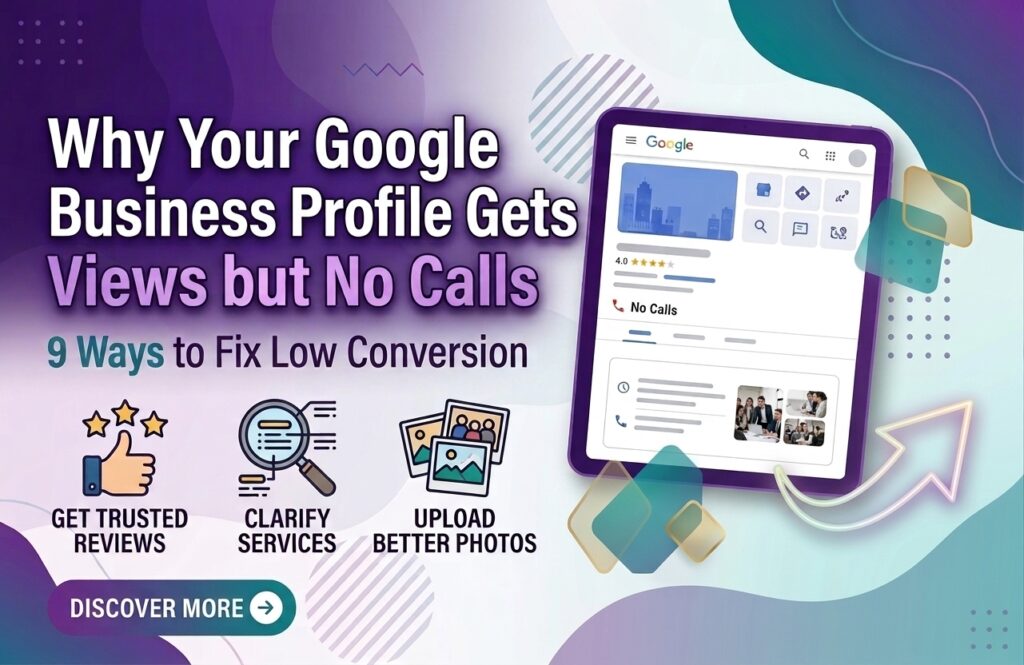
Why Your Google Business Profile Gets Views but No Calls
Your Google Business Profile may be getting plenty of views, but that doesn’t always mean you’re getting customers.
If people are discovering your business on Google Search or Google Maps but rarely calling, requesting information, visiting your website, or taking another meaningful action, there may be a problem with your profile’s conversion strategy.
Getting visibility is only the first step. Your profile also needs to convince potential customers that your business is relevant, trustworthy, and worth contacting.
Here are some of the most common reasons your Google Business Profile gets views but no calls—and what you can do about them.
1. Your Business Information Isn’t Compelling
Customers often make quick decisions when comparing local businesses.
If your profile only provides basic information such as your business name, address, and phone number, customers may not immediately understand why they should choose you.
Review your profile and make sure your business information clearly communicates:
- What you offer
- Who you serve
- Where you serve
- What makes your business different
- How customers can contact you
Your profile should make the next step obvious.
2. Your Reviews Don’t Build Enough Trust
Reviews can strongly influence how potential customers perceive a local business.
A customer may see your profile, compare it with several competitors, and choose the business that appears more trustworthy.
If your profile has very few reviews, outdated reviews, or mostly unanswered negative feedback, customers may hesitate to contact you.
Focus on consistently providing good service and encouraging genuine customers to leave honest reviews. When appropriate, respond professionally to both positive and negative feedback.
3. Your Photos Don’t Represent Your Business Well
Photos are an important part of your Google Business Profile.
Low-quality, outdated, or irrelevant images can make a business look inactive or less professional.
Depending on your business, consider adding:
- Exterior photos
- Interior photos
- Team photos
- Product photos
- Service photos
- Completed project photos
- Behind-the-scenes images
Use authentic visuals whenever possible so potential customers can better understand what to expect.
4. Your Services Aren’t Clearly Explained
A customer may find your business while searching for a specific service, but leave if they cannot quickly determine whether you provide what they need.
Review your services and make them easy to understand.
Instead of using vague descriptions, explain the service in customer-friendly language.
For example, instead of simply listing:
“SEO”
you could clearly identify relevant services such as:
Local SEO, Google Business Profile Optimization, Technical SEO, and SEO Audits.
The goal is to reduce uncertainty before the customer contacts you.
5. Your Profile Doesn’t Match Search Intent
Not every profile view represents the same type of customer.
Someone searching for:
“emergency plumber near me”
has a different intent from someone searching:
“how does plumbing maintenance work?”
Your business needs to make sure its profile, services, website, and messaging align with the searches that are most likely to generate customers.
Focus on the services and customer needs that have genuine commercial value for your business.
6. Your Business Description Is Too Generic
A generic description can make it difficult for customers to understand your value.
Avoid writing a description that simply says:
“We are a professional company providing high-quality services to customers.”
It doesn’t tell potential customers much.
Instead, explain what your business does, who you serve, and what types of problems you solve.
Keep the language natural and customer-focused rather than filling the description with keywords.
7. Your Competitors Look More Trustworthy
Sometimes the problem isn’t that your profile is terrible—your competitors may simply present themselves better.
Compare your profile with businesses that appear prominently for your target local searches.
Look at:
- Review quality and quantity
- Photos
- Services
- Business information
- Website quality
- Customer experience signals
- Overall profile presentation
Don’t copy competitors. Instead, identify gaps in your own profile and improve them.
8. Your Call-to-Action Is Weak
A potential customer shouldn’t have to figure out what to do next.
Your website and profile should make the desired action clear.
Depending on your business, that might be:
- Call now
- Request a quote
- Book an appointment
- Visit the website
- Get directions
- Schedule a consultation
For service businesses, make sure your phone number is correct and that someone is actually available to answer calls during the stated business hours.
9. Your Website Doesn’t Support Your GBP
Your Google Business Profile and website should work together.
If a customer discovers your profile and clicks through to a slow, confusing, outdated, or poorly designed website, you may lose the lead.
Check that your website:
- Works well on mobile
- Loads quickly
- Clearly explains your services
- Displays your contact information
- Has visible calls to action
- Builds trust
- Makes contacting your business easy
Your GBP may generate the initial interest, but your website can influence what happens next.
How to Turn More GBP Views Into Calls
Start by looking at your profile from a customer’s perspective.
Ask:
“If I knew nothing about this business, would I feel confident contacting it?”
Then work through the following checklist:
- Update outdated business information.
- Improve your service descriptions.
- Add high-quality, relevant photos.
- Build genuine customer reviews.
- Respond professionally to reviews.
- Make your contact information easy to find.
- Improve your website’s mobile experience.
- Create useful Google Business Profile Posts.
- Review your competitors regularly.
- Track calls and other customer actions.
Don’t try to change everything at once. Identify the biggest weaknesses and improve them systematically.
Views Are Not the Same as Leads
One of the biggest mistakes businesses make is treating profile views as the final goal.
Visibility matters, but visibility without action has limited business value.
A successful local marketing strategy should move customers through a simple journey:
Google Search → Business Profile → Trust → Interest → Call or Contact → Customer
If your profile is receiving views but not generating meaningful actions, focus on the conversion experience rather than simply trying to increase visibility.
Conclusion
If your Google Business Profile gets views but no calls, don’t automatically assume that you need more traffic.
The problem may be what customers see after they discover your business.
Weak reviews, poor photos, uncler services, generic messaging, an outdated website, or a weak call-to-action can all create friction between discovery and contact.
Review your profile from the customer’s perspective, improve the information that influences their decision, and make contacting your business as simple as possible.
The goal of GBP optimization isn’t just to get discovered. It’s to turn local visibility into real customer actions.
If you want, I can also create the internal links + high-authority external links + exact anchor text taken directly from this article for your SEO setup.