

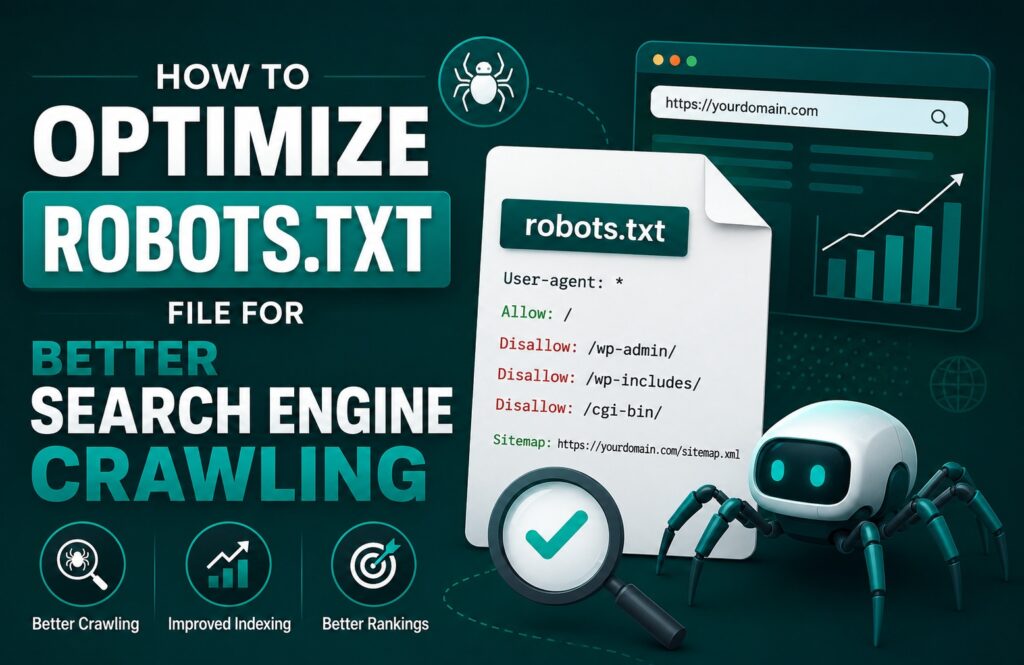
Looking for how to optimize robots.txt file? We got your back!!! A well-configured robots.txt file is one of the most important technical SEO elements for any website. Although it’s a simple text file, it plays a significant role in telling search engine crawlers which pages they should access and which they should avoid. When optimized correctly, a robots.txt file can improve crawl efficiency, protect unnecessary pages from being indexed, and help search engines focus on your most valuable content.
In this guide, you’ll learn how to optimize your robots.txt file for better search engine crawling, avoid common mistakes, and follow best practices.
What Is a Robots.txt File?
A robots.txt file is a plain text file placed in the root directory of your website (for example, yourwebsite.com/robots.txt). It contains instructions for search engine bots such as Googlebot and Bingbot, helping them understand which parts of your website they are allowed to crawl.
Keep in mind that robots.txt controls crawling—not indexing. If another website links to a blocked page, search engines may still index the URL without crawling its content.
Why Is Robots.txt Important for SEO?
A properly optimized robots.txt file provides several SEO benefits:
- Helps search engines crawl important pages faster.
- Prevents bots from wasting crawl budget on unnecessary pages.
- Blocks private or duplicate content from being crawled.
- Improves overall website efficiency.
- Supports faster indexing of valuable content.
For large websites with thousands of pages, crawl budget optimization becomes even more important.
How to Optimize Robots.txt File
1. Place the File in the Root Directory
Your robots.txt file should always be accessible at:
https://yourdomain.com/robots.txt
Search engines automatically check this location.
2. Allow Important Content
Ensure that essential pages remain crawlable, including:
- Blog posts
- Product pages
- Service pages
- Category pages
- Landing pages
Blocking these pages can seriously hurt your SEO performance.
3. Block Low-Value Pages
Some pages don’t need to be crawled regularly, such as:
- Admin pages
- Login pages
- Shopping cart
- Checkout pages
- Search result pages
- Temporary files
This allows search engines to spend more time crawling valuable content.
4. Include Your XML Sitemap
Always add your XML sitemap at the end of your robots.txt file.
Example:
Sitemap: https://yourdomain.com/sitemap.xml
This helps search engines discover your pages more efficiently.
5. Use Wildcards Carefully
Robots.txt supports simple pattern matching.
Example:
User-agent: *
Disallow: /*?replytocom=
Be cautious with wildcard rules because incorrect patterns can accidentally block important pages.
Example of an Optimized Robots.txt File
User-agent: *
Disallow: /wp-admin/
Allow: /wp-admin/admin-ajax.php
Disallow: /cart/
Disallow: /checkout/
Disallow: /search/
Sitemap: https://yourdomain.com/sitemap.xml
This example blocks unnecessary pages while allowing search engines to access important website content.
Common Robots.txt Mistakes
Avoid these common errors:
- Blocking your entire website using Disallow: /
- Blocking CSS and JavaScript files needed for rendering
- Forgetting to update the sitemap URL
- Using incorrect syntax
- Blocking important landing pages
- Assuming robots.txt prevents indexing
These mistakes can reduce visibility in search results and negatively impact rankings.
How to Test Your Robots.txt File
Before publishing changes:
- Open your robots.txt file in a browser.
- Verify there are no syntax errors.
- Use Google Search Console to inspect blocked URLs.
- Monitor crawl reports regularly.
- Ensure important pages remain accessible.
Testing helps prevent accidental crawling issues.
Robots.txt vs Meta Robots Tag
Many beginners confuse these two SEO tools.
Robots.txt
Controls crawling.
Works site-wide.
Blocks bots before they crawl pages.
Meta Robots Tag
Controls indexing.
Applied to individual pages.
Allows more granular control.
Using both correctly provides better technical SEO management.
Conclusion
Optimizing your robots.txt file is a simple but powerful way to improve search engine crawling. By allowing bots to focus on valuable pages while blocking unnecessary sections, you can make better use of your crawl budget and improve your site’s overall technical SEO.
Regularly review your robots.txt file whenever you redesign your website, install new plugins, or add new sections. Combined with a clean XML sitemap, proper internal linking, and strong technical SEO practices, an optimized robots.txt file helps search engines understand and crawl your website more efficiently.