

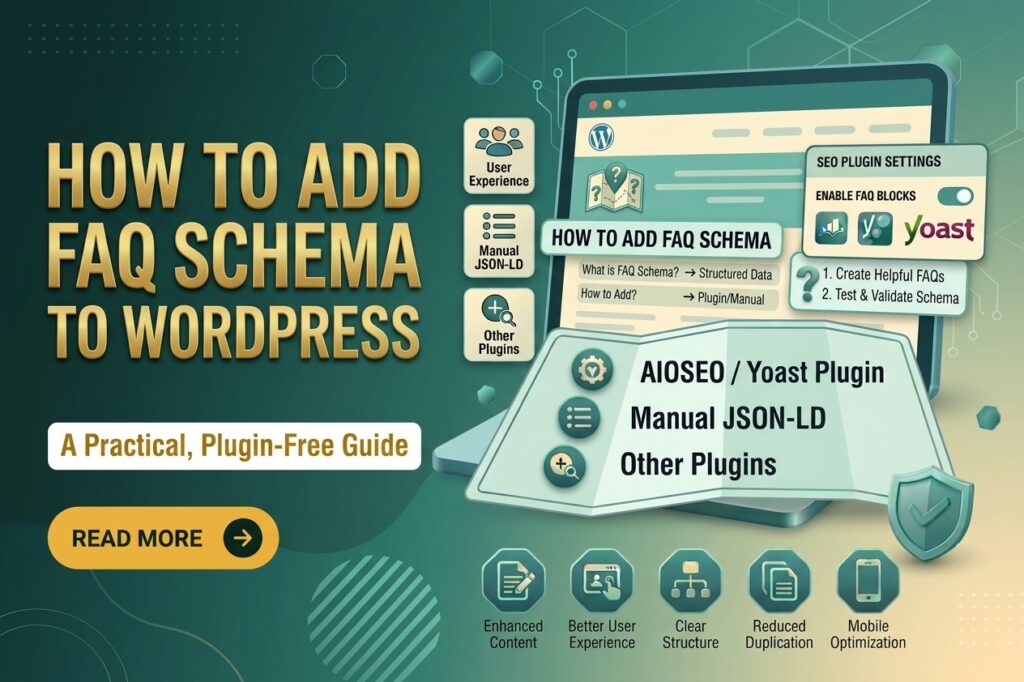
Adding FAQ schema to a WordPress website can help search engines better understand your frequently asked questions and their answers. The good news is that you don’t need to be a developer or write complicated code to add it.
In this beginner’s guide, you’ll learn how to add FAQ schema in WordPress using simple methods, including SEO plugins and manual JSON-LD. You’ll also learn what FAQ schema is, when to use it, and common mistakes to avoid.
What Is FAQ Schema?
FAQ schema is structured data that tells search engines that a page contains a list of frequently asked questions and their corresponding answers.
For example, a service page might include questions such as:
- How much does WordPress development cost?
- How long does it take to build a website?
- Can I update my website myself?
- Do you provide website maintenance?
Adding FAQ structured data helps search engines understand the relationship between each question and its answer.
However, adding FAQ schema does not guarantee that Google will display FAQ rich results in search. Google decides whether and how structured data appears in search results.
Why Add FAQ Schema to WordPress?
FAQ schema can provide several benefits when implemented correctly.
Helps Search Engines Understand Your Content
Structured data gives search engines additional context about the information on your page. This can make it easier for them to understand your FAQ section.
Improves Content Structure
FAQ sections make long pages easier to scan. Visitors can quickly find answers to common questions without reading the entire page.
Supports SEO
FAQ schema itself isn’t a direct ranking guarantee. However, well-organized FAQs can make your content more useful and comprehensive, which supports a better overall user experience.
Makes Important Questions Easier to Find
Answering common questions on your website can reduce uncertainty for potential customers, especially on service and product pages.
Before Adding FAQ Schema
Before implementing FAQ schema, make sure the questions and answers actually appear on the page.
Don’t add structured data for information that visitors cannot see. Your markup should accurately represent the visible content.
You should also avoid adding the same FAQ content repeatedly across multiple pages unless there is a legitimate reason to do so.
How to Add FAQ Schema in WordPress Using an SEO Plugin
One of the easiest methods for beginners is using an SEO plugin that supports FAQ structured data.
The exact options depend on the plugin you’re using, but the general process is similar.
Step 1: Install an SEO Plugin
First, install and activate a reputable WordPress SEO plugin that supports structured data or FAQ blocks.
After activation, complete the basic plugin setup.
Step 2: Create Your FAQ Section
Open the WordPress page or post where you want to add FAQs.
Write questions that are genuinely relevant to the page. Keep the answers clear and useful.
For example:
How long does a WordPress website take to build?
A basic WordPress website may take several days to several weeks, depending on its design, functionality, content, and customization requirements.
Step 3: Add an FAQ Block
If your SEO plugin provides an FAQ block, insert it into the page.
In the WordPress block editor, click the + button and search for the relevant FAQ block.
Add your questions and answers.
The plugin may automatically generate the appropriate structured data based on the FAQ content you enter.
Step 4: Review the Page
Before publishing, check the FAQ section from a visitor’s perspective.
Make sure:
- Every question is relevant.
- Every answer is accurate.
- There are no duplicate questions.
- The content is easy to read.
- The FAQ appears on the page.
Step 5: Publish or Update the Page
Once everything looks correct, publish the page or update the existing content.
Your WordPress plugin can then provide the FAQ structured data to search engines when they crawl the page.
How to Add FAQ Schema Manually in WordPress
If you don’t want to rely on a plugin, you can add FAQ schema using JSON-LD.
JSON-LD is a structured data format commonly used to provide information about a webpage to search engines.
A basic FAQ schema looks like this:
{
“@context”: “https://schema.org”,
“@type”: “FAQPage”,
“mainEntity”: [
{
“@type”: “Question”,
“name”: “How long does a WordPress website take to build?”,
“acceptedAnswer”: {
“@type”: “Answer”,
“text”: “A basic WordPress website can take several days to several weeks depending on its requirements.”
}
},
{
“@type”: “Question”,
“name”: “Can I update my WordPress website myself?”,
“acceptedAnswer”: {
“@type”: “Answer”,
“text”: “Yes. WordPress allows website owners to update content through the WordPress dashboard.”
}
}
]
}
The FAQPage type identifies the page as containing frequently asked questions. Each question is represented by Question, while its answer is represented by Answer.
Where Should You Add the JSON-LD?
If you’re comfortable working with code, the JSON-LD can be added to the page’s HTML, normally within a script element.
If you’re not familiar with HTML or structured data, using a reputable WordPress SEO plugin is generally safer than manually editing theme files.
A small syntax mistake can prevent structured data from being interpreted correctly.
How to Check Your FAQ Schema
After adding FAQ schema, you should validate your structured data.
Google provides tools that can help you check whether structured data can be detected and whether there are errors.
You can also inspect the page source and look for structured data containing:
“@type”: “FAQPage”
Remember that passing a structured-data test does not mean Google will necessarily show a rich result.
Common FAQ Schema Mistakes to Avoid
Adding Invisible FAQs
Don’t create schema for questions and answers that aren’t available to users on the page.
Using Irrelevant Questions
Your FAQs should be closely related to the page topic.
For example, a page about WordPress hosting shouldn’t contain unrelated questions about gardening simply to increase the amount of structured data.
Adding Incorrect Information
Make sure your answers accurately represent your business, product, service, or topic.
Creating Multiple Versions of the Same FAQ
Avoid adding identical FAQ schema through several plugins or systems. Multiple implementations can create duplicate structured data.
Expecting Higher Rankings Automatically
FAQ schema isn’t a shortcut to higher rankings. Its main purpose is to help search engines understand structured information on your page.
Adding FAQ Schema Everywhere
You don’t need to add FAQs to every page. Use them where visitors genuinely have common questions that are worth answering.
FAQ Schema vs FAQ Content
These two terms are related but aren’t exactly the same.
FAQ content is the visible questions and answers that users read on your webpage.
FAQ schema is structured data that describes those questions and answers to search engines.
You can have a useful FAQ section without structured data. Adding schema simply provides additional machine-readable context.
Do You Need Coding Skills to Add FAQ Schema?
No. Most beginners can add FAQ schema through a WordPress plugin that supports FAQ structured data.
Manual JSON-LD implementation requires more technical knowledge, so it is better suited to users who are comfortable working with HTML and structured data.
FAQ
Does FAQ schema improve Google rankings?
FAQ schema doesn’t guarantee higher rankings. It helps search engines understand your FAQ content, but rankings depend on many other SEO and content factors.
Is FAQ schema still useful?
Yes, structured data can still help search engines understand eligible content. However, you shouldn’t add FAQ schema solely because you expect a special search-result appearance.
Can I add FAQ schema without a plugin?
Yes. You can manually implement FAQ structured data using JSON-LD, provided the markup accurately represents the visible FAQ content.
Can I use FAQ schema on a service page?
Yes. Service pages can contain FAQs when visitors commonly have questions about the service, pricing, process, availability, or requirements.
How many FAQs should a page have?
There is no universal number. Add enough questions to answer the most useful and relevant concerns without creating unnecessary or repetitive content.
Conclusion
Adding a FAQ schema in WordPress doesn’t have to be complicated. For most beginners, the simplest approach is to create a useful FAQ section and use a trusted SEO plugin that supports structured data.
If you prefer manual implementation, JSON-LD gives you more control but requires greater technical knowledge.
Most importantly, focus on helpful FAQ content first and schema second. Make sure your questions and answers are visible, accurate, relevant, and genuinely useful to visitors. Then validate your structured data and monitor the page after implementation.